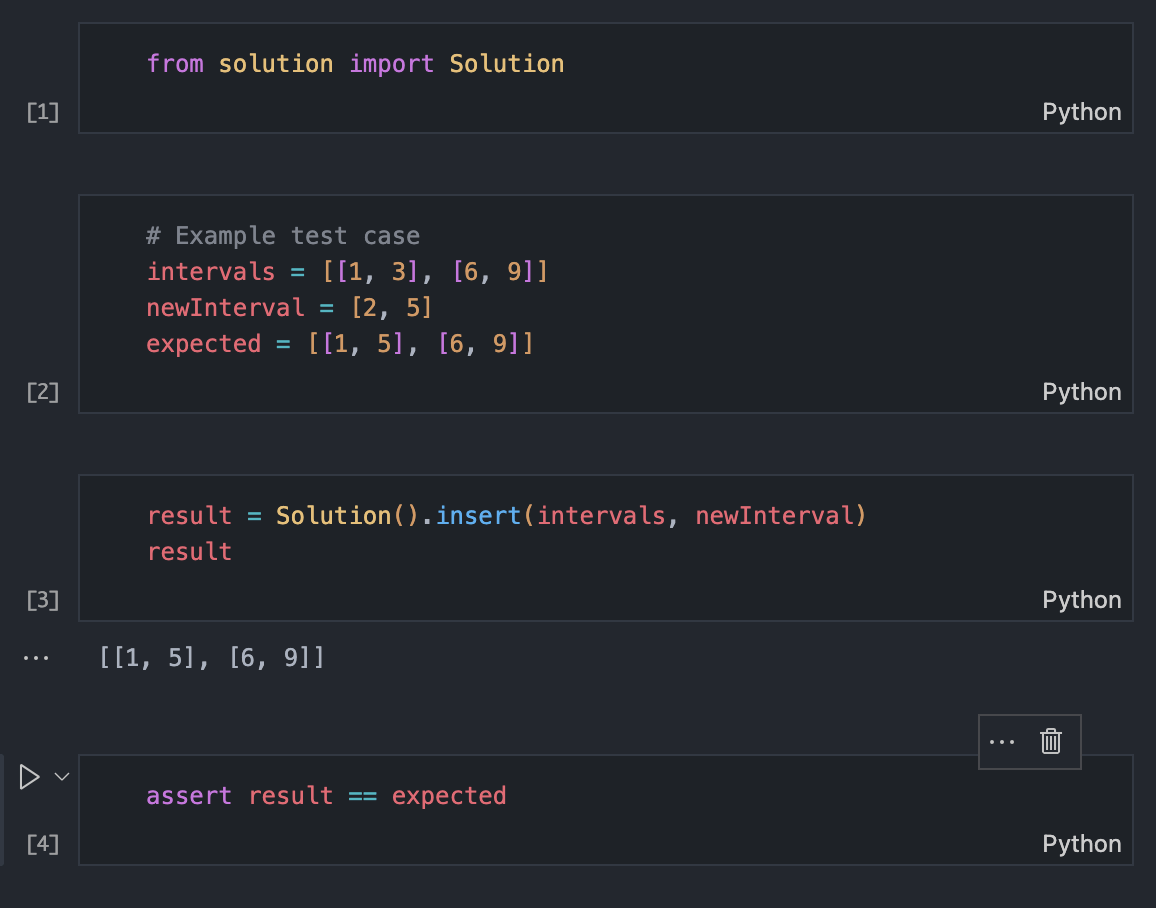
Every problem directory includes playground.py, a scratchpad for poking at inputs, inspecting data structures, and experimenting before you commit to an approach. See Problem Anatomy for where it fits.

Percent format, not .ipynb

Playgrounds are stored as jupytext percent format: plain Python with # %% cell markers.
In git that means clean diffs, real code review, and mergeable history, with none of the JSON noise .ipynb would add.

Open it as a notebook

Pick whichever fits your setup:
  • VS Code: the Python extension supports # %% cells natively; open playground.py and run cells in the interactive window.
  • JupyterLab with the jupytext contents manager: same experience, in the browser.
  • One-off conversion: uv run jupytext --to ipynb leetcode/two_sum/playground.py gives you a real playground.ipynb.
playground.py open as a notebook with executed cells

Convert back before committing

If you converted to .ipynb, convert back before you commit. The repo keeps only the .py form:

A scratchpad, not the contract

The playground imports the same helpers and solution as the tests, so what you probe here matches what the suite runs. Nothing in it is graded; test_solution.py stays the contract.